Your own streaming, for the whole house.
Everyone at home gets their own Home on the TV, the laptop and the phone, with picks for tonight. Free and open source, on a server you own.
Setting it up takes one person about five minutes
Set up · for the techy one
One command sets it up.
Paste one line, then type nightcap. It looks at this computer and only offers what will work.
curl -fsSL https://mynightcap.tv/install.sh | shThen run nightcap. Or read the source.
Set up · 1
Where should it run?
Choose once. Nightcap sets it up there, and shows any cost before it makes anything.
Set up · 2
A few plain questions.
A database made for you, your TMDB key, a name for the server. Then it shows everything back. Nothing is made until you say so.
Set up · 3
A few minutes later, it’s running.
It gets the images, starts the database and checks every answer. Then it gives you the owner key and the address to open.
Set up · 4
One place to look after it.
Run nightcap again to see its status and logs, update it or restart it. Your data stays where it is.
Your household
Bring everyone in.
The server is running. Make your household on the laptop, and the TV joins it by itself.
Make the household.
Sign in with the owner key, name your house, and open its invite on the laptop. From there you invite the TVs.
A profile for everyone.
Up to six people, each with a face. Emma the fox, Leo the dragon, Nana the owl, Max the tiger.
The TV finds it by itself.
Open Nightcap on an Android TV on your Wi‑Fi and it sees the server. On Samsung and LG you type its address once. Pick the household, and you’re in.
Homes
Turn it on. Pick yourself.
The TV opens on Who’s watching? Choose a face and the whole screen becomes that person’s.
Same sofa. Four Homes.
Each Home grows from what that person watches, and every pick says why in one line. Everything your household adds, in one place for each person.

Comedy & romance
Emma
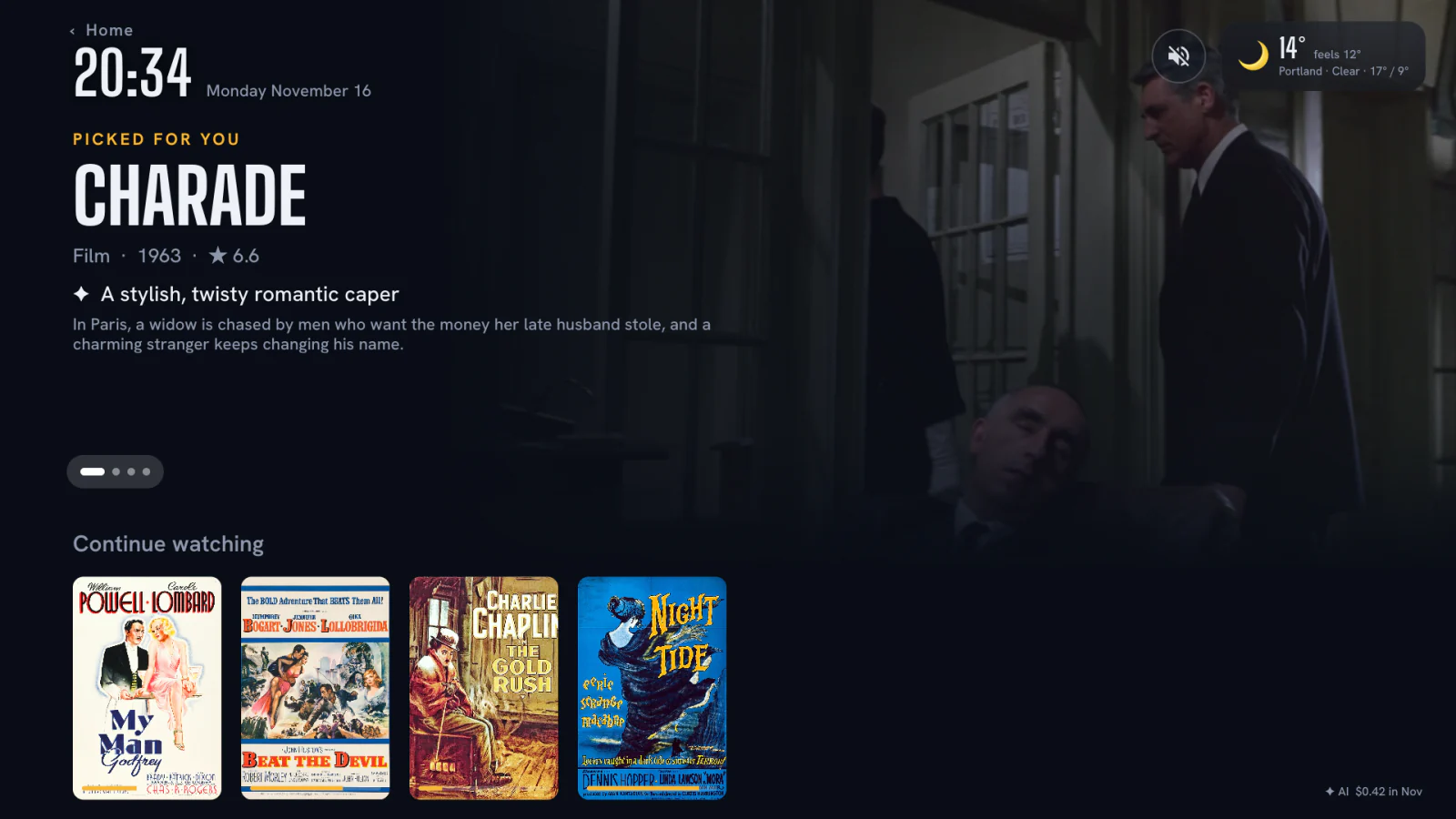
Her Home opens on Charade, “a stylish, twisty romantic caper”.Below it, her Top picks. Comedy and romance, from what she watches.

Sci-fi & animation
Leo
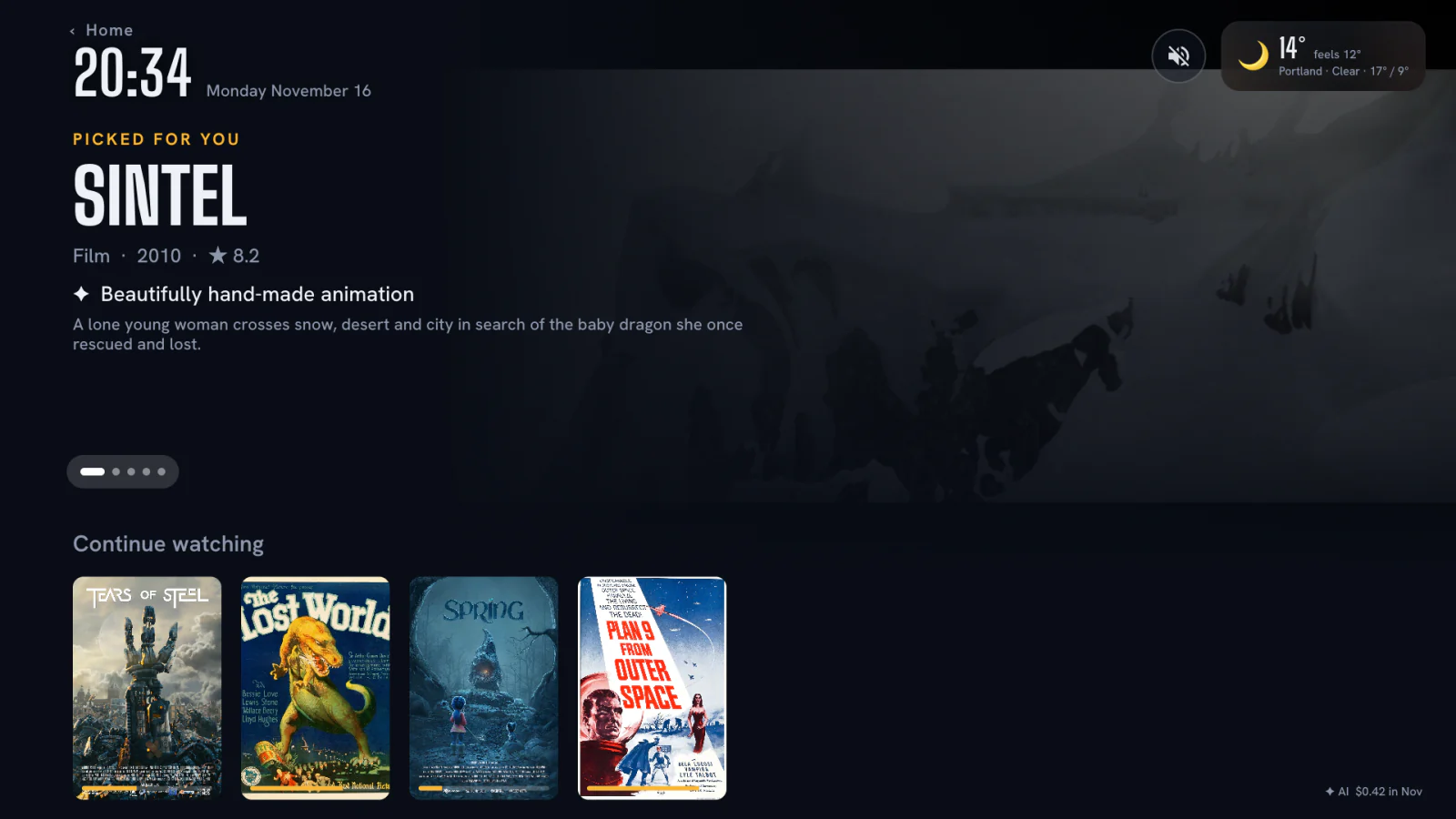
His Home opens on Sintel, “beautifully hand-made animation”.Below it, his Top picks. Sci-fi and animation, from what he watches.

The classics
Nana
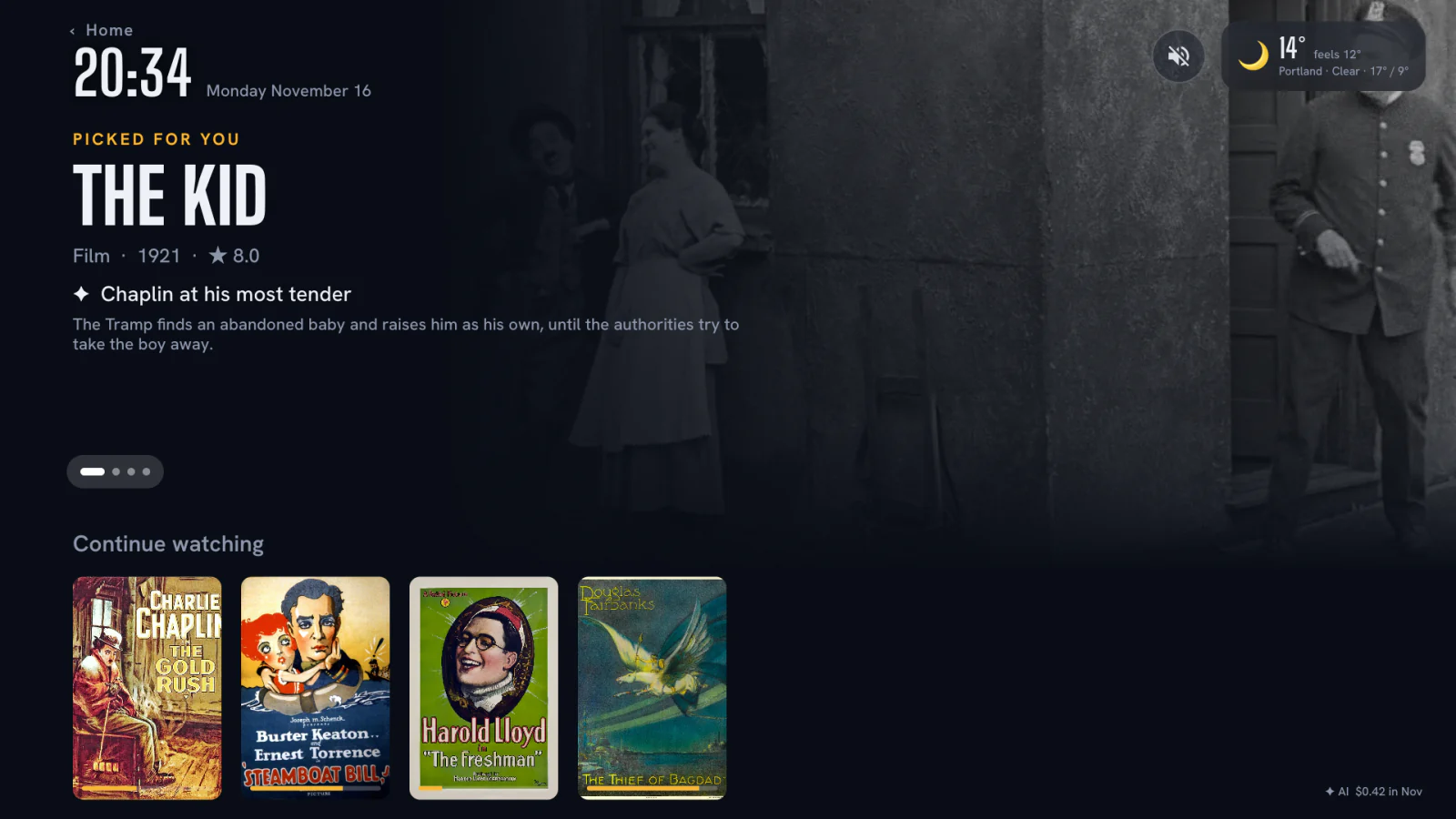
Her Home opens on The Kid, “Chaplin at his most tender”.Below it, her Top picks. The classics, from what she watches.

Horror & noir
Max
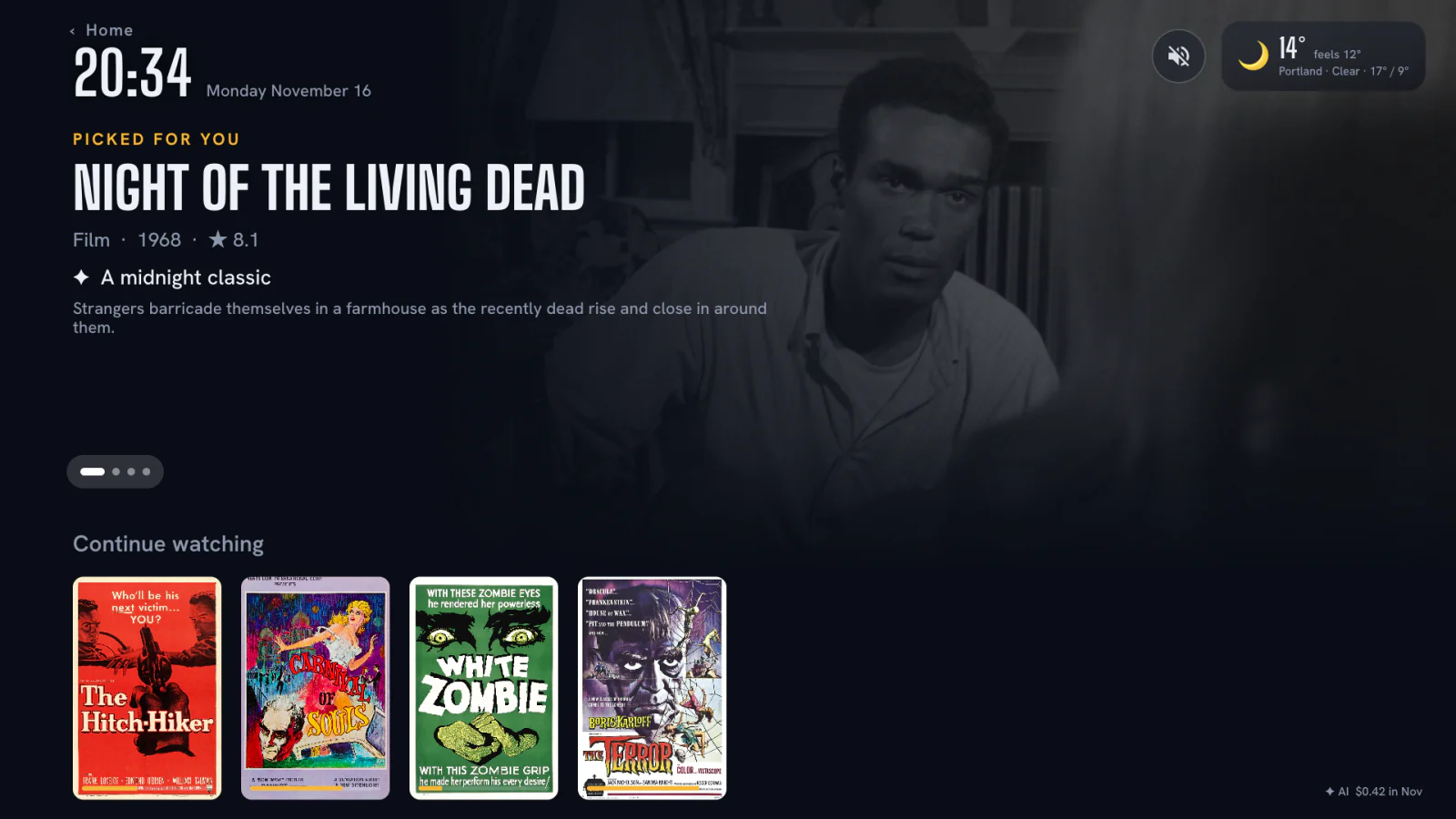
His Home opens on Night of the Living Dead, “a midnight classic”.Below it, his Top picks. Horror and noir, from what he watches.
Ask for a feeling.
Type “robots and big ideas”. Smart Search answers with picks, each with its reason.
Play on TV
Choose on the laptop. Watch on the TV.
Leo’s Home is up on the TV. Emma picks Charade in the web app and taps Play on TV. The TV asks “Emma wants to play”, and gets it ready.
Or from the phone.
Another night, Emma’s Home is up. Leo taps Play on TV on his phone. The TV asks once, “Leo wants to play”, and Sintel starts, as Leo.
Three screens. One house.
Sintel is on. The phone, the laptop and the TV share one server, and each person’s place in every film.
Live TV
Nothing planned? Live TV.
Your channels in one guide, each with its logo, next to the films.
Every camera, one press away.
Live events with more than one feed: main stage, backstage, the audience. Switch while it plays.
Flick through, like TV used to.
Up and down on the remote changes the channel. No menus in the way.